Getting Started
This guide walks you through your first Open Grind session.
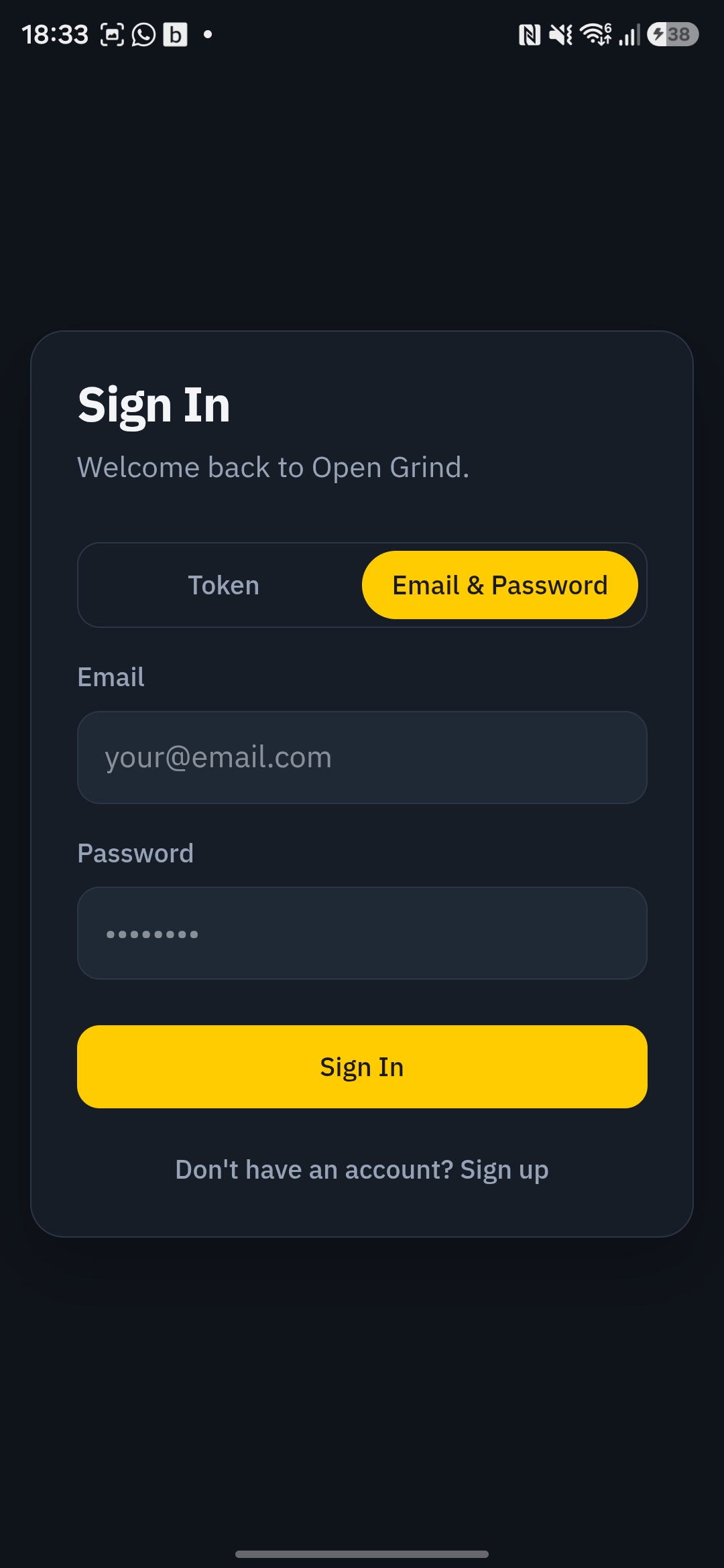
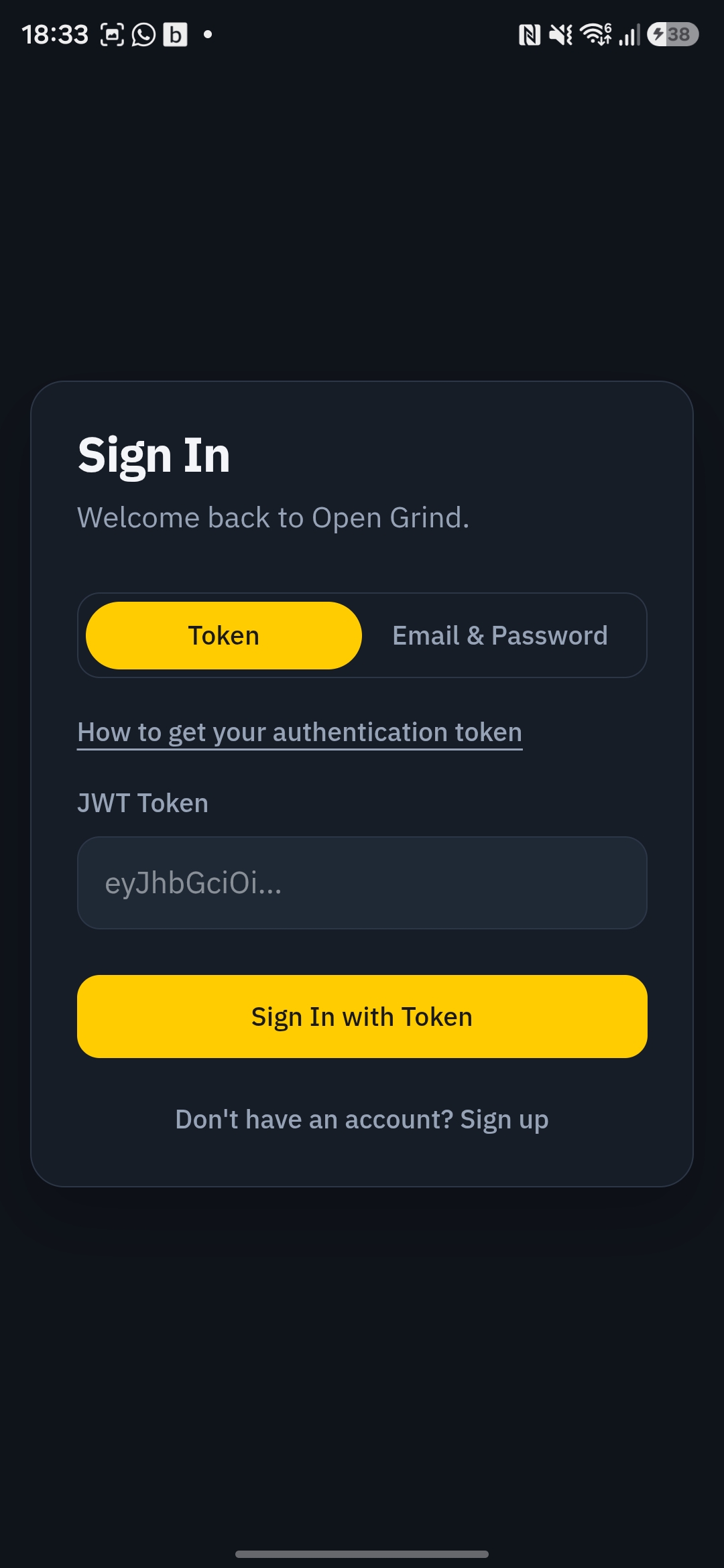
1. Sign in
- Open the app.
- Follow the Login guide to get your token and sign in.
- Wait for the first sync to finish.
2. Browse profiles
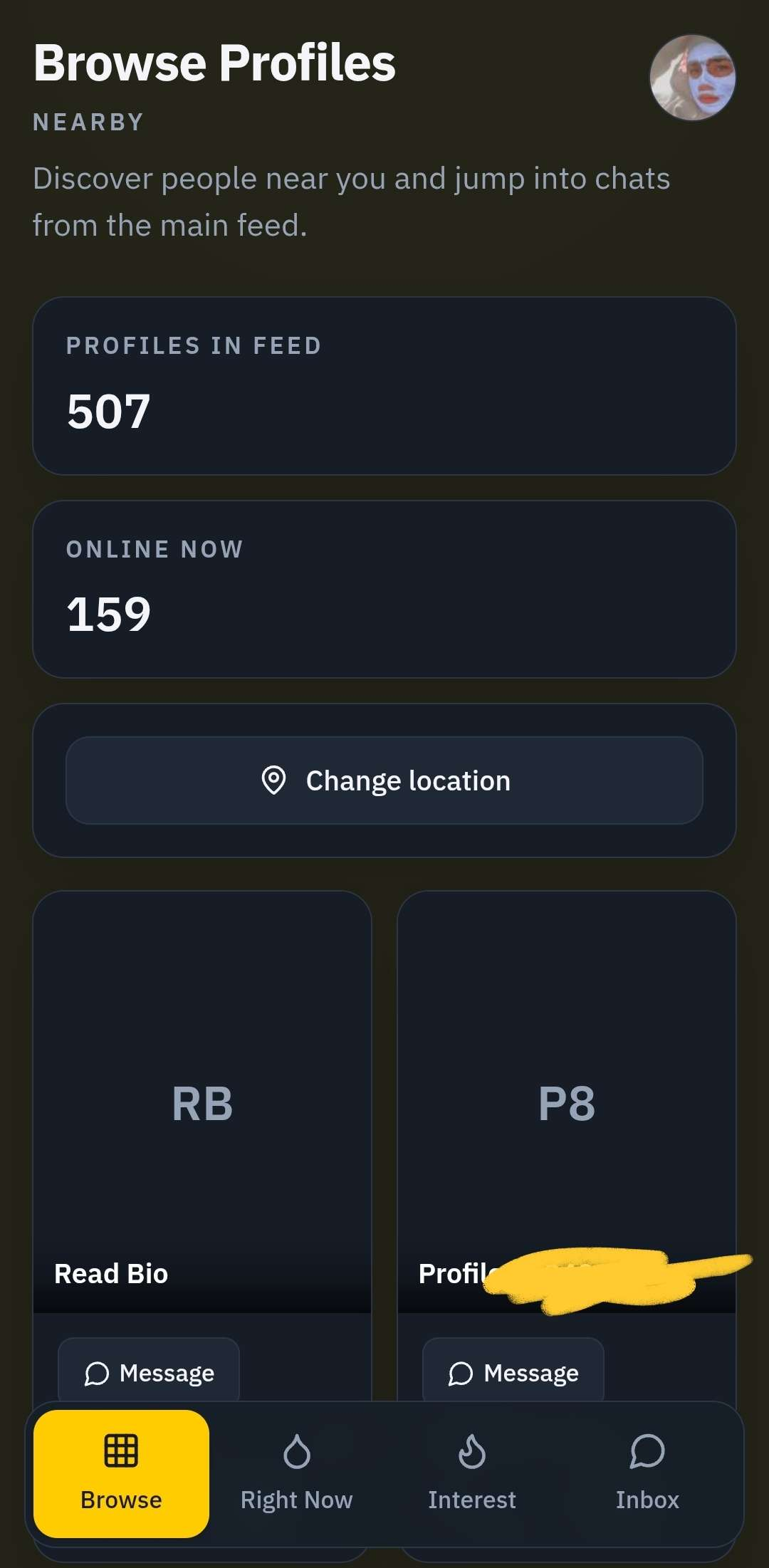
- After signing in, the browse grid shows nearby profiles.
- Tap any profile card to view details.
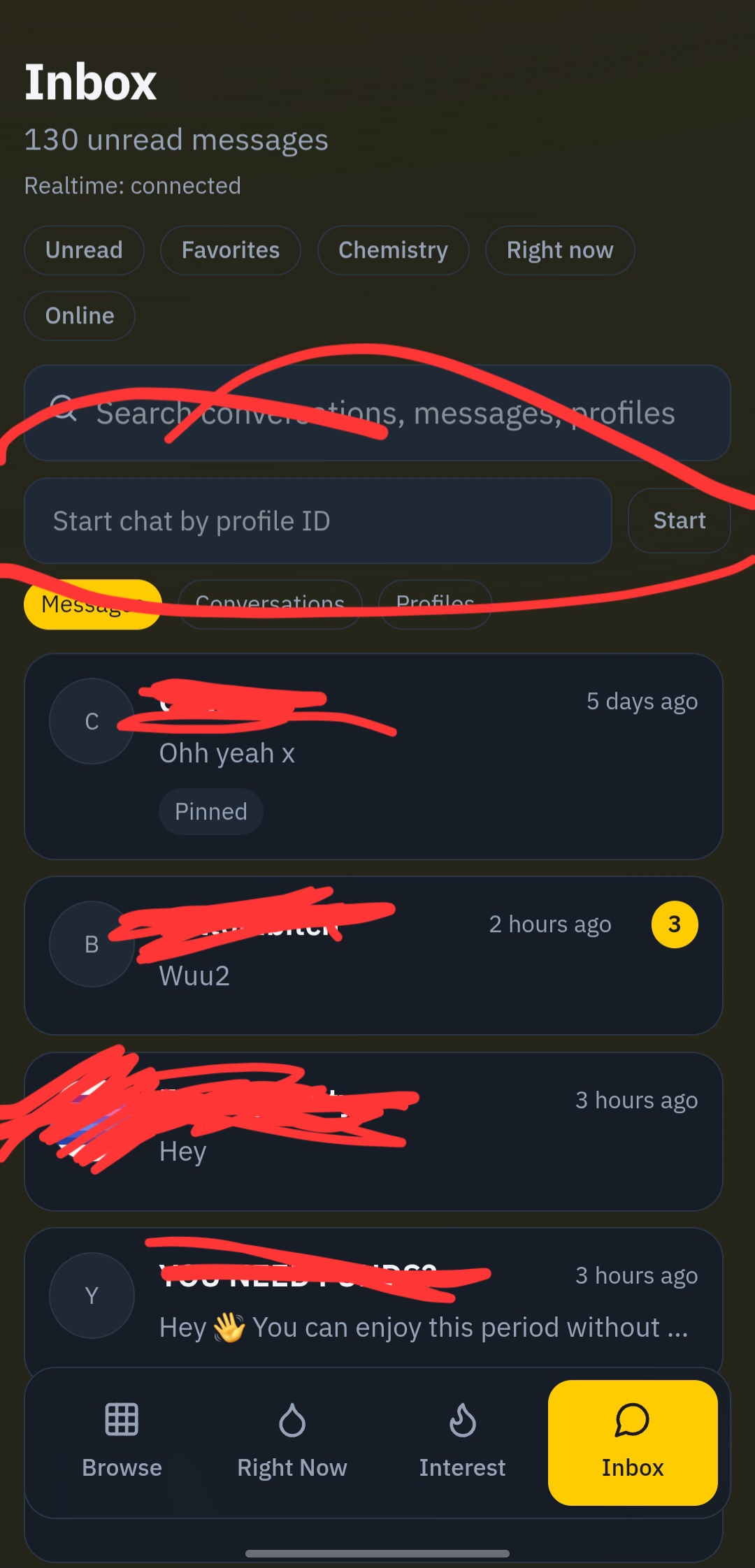
3. Open your inbox
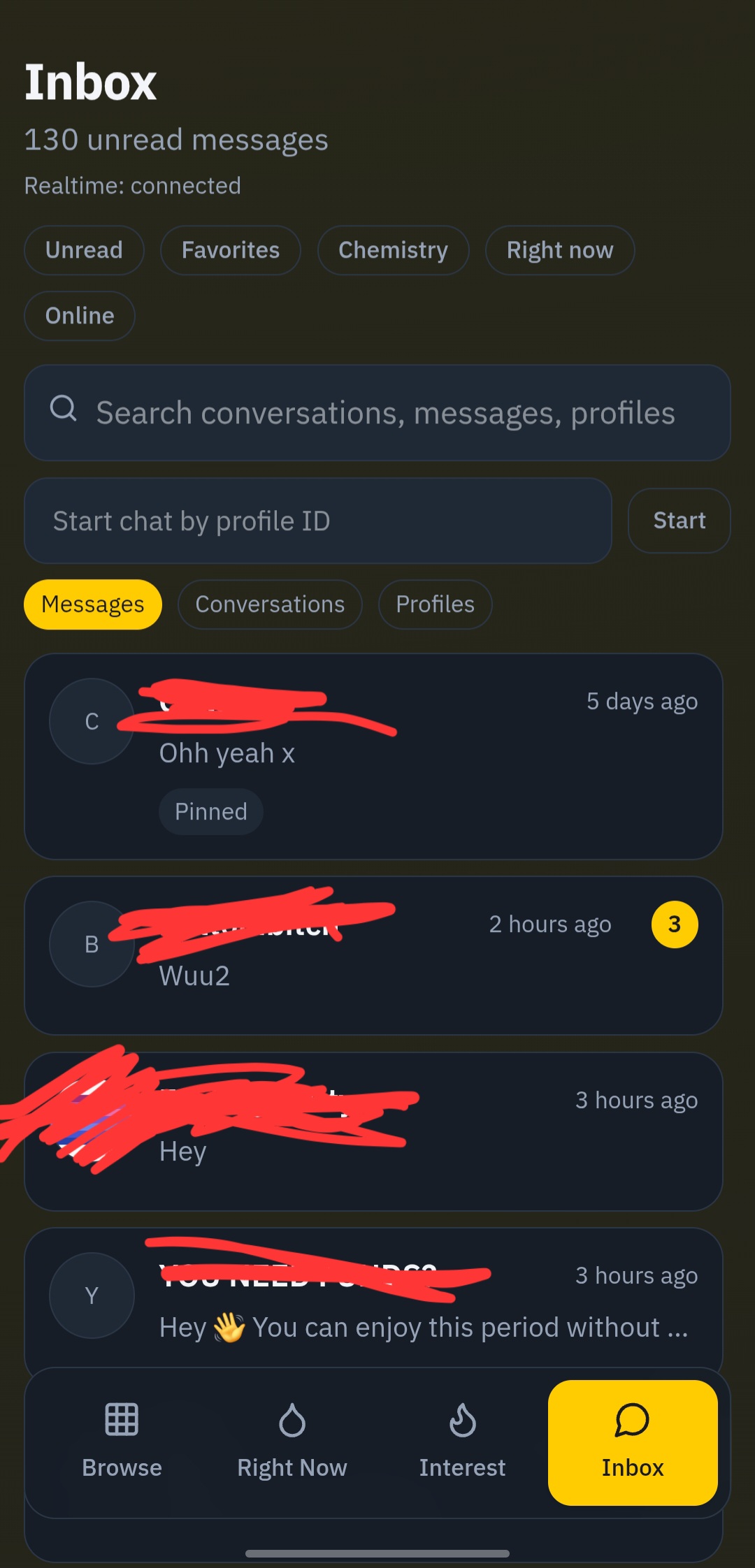
- Go to the chat/inbox page.
- Select a conversation from the list.
- If no conversation is selected, choose one to load message history.
4. Start a chat by profile ID
- In the inbox panel, enter a numeric profile ID.
- Click Start.
- Send your first message to create/open the conversation.
5. Open profile from chat
- Inside a chat thread, use View profile.
- When you leave the profile page, you should return to that chat.
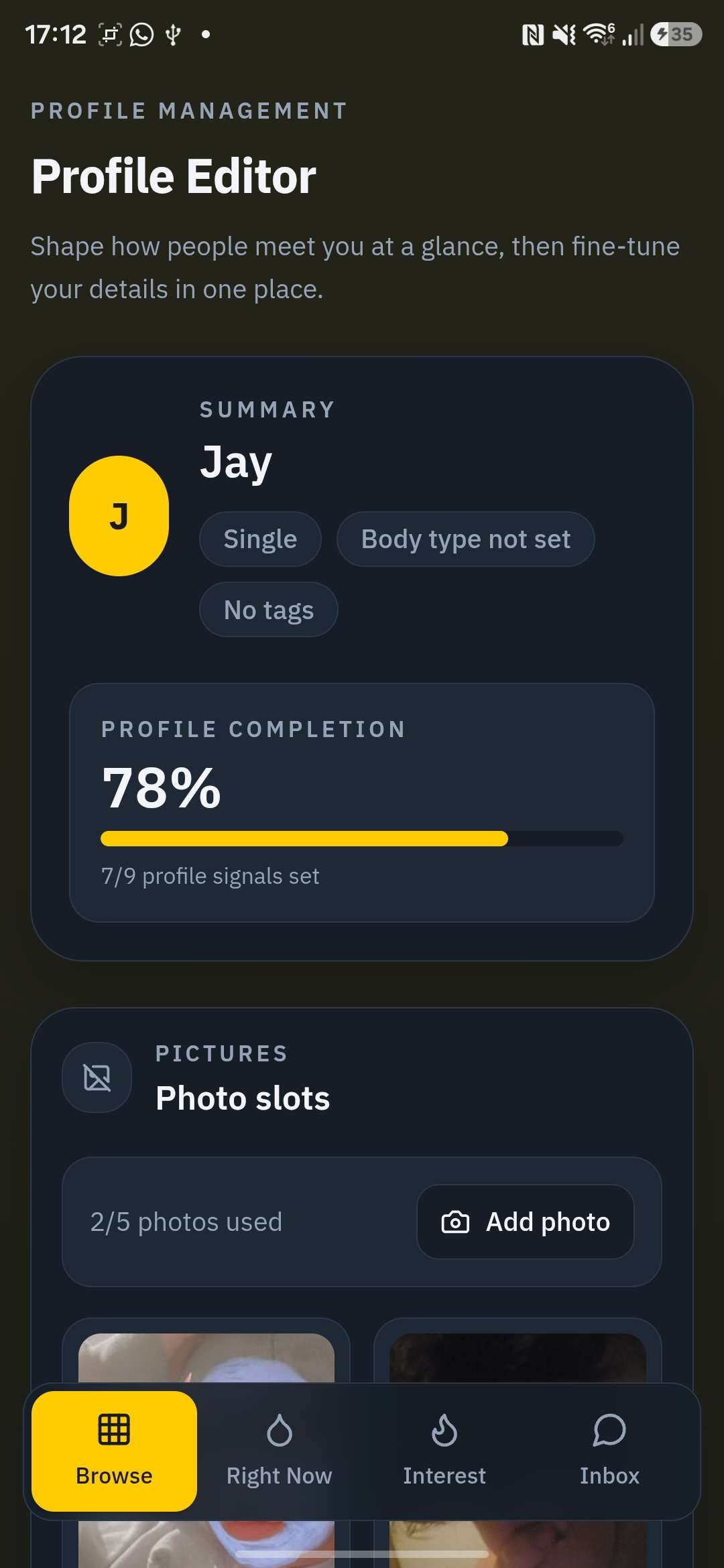
6. Edit your profile
- Go to Settings → Edit Profile to update your photos, bio, and details.
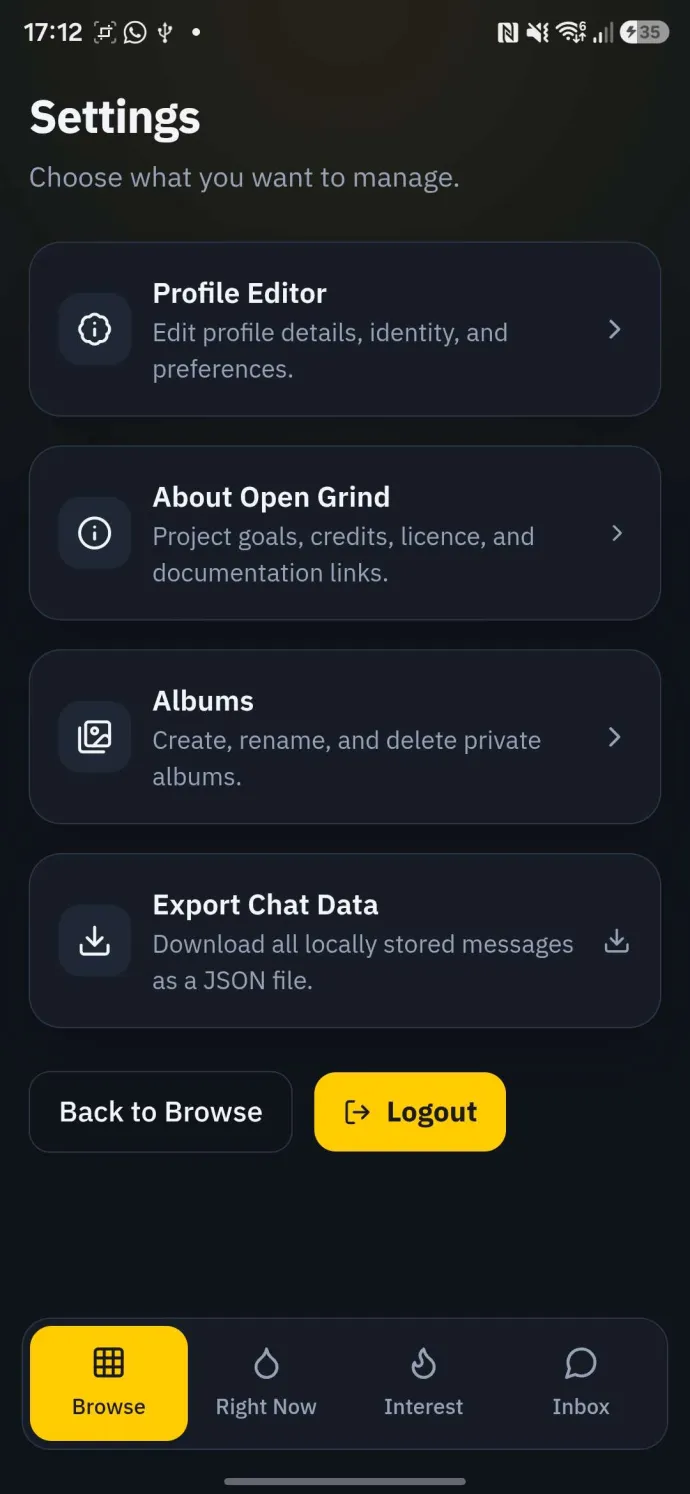
7. App settings
- Open Settings to manage preferences, notifications, and account options.
Next steps
- Learn media workflows in Chats and Media.
- Review account hardening in Privacy and Safety.